
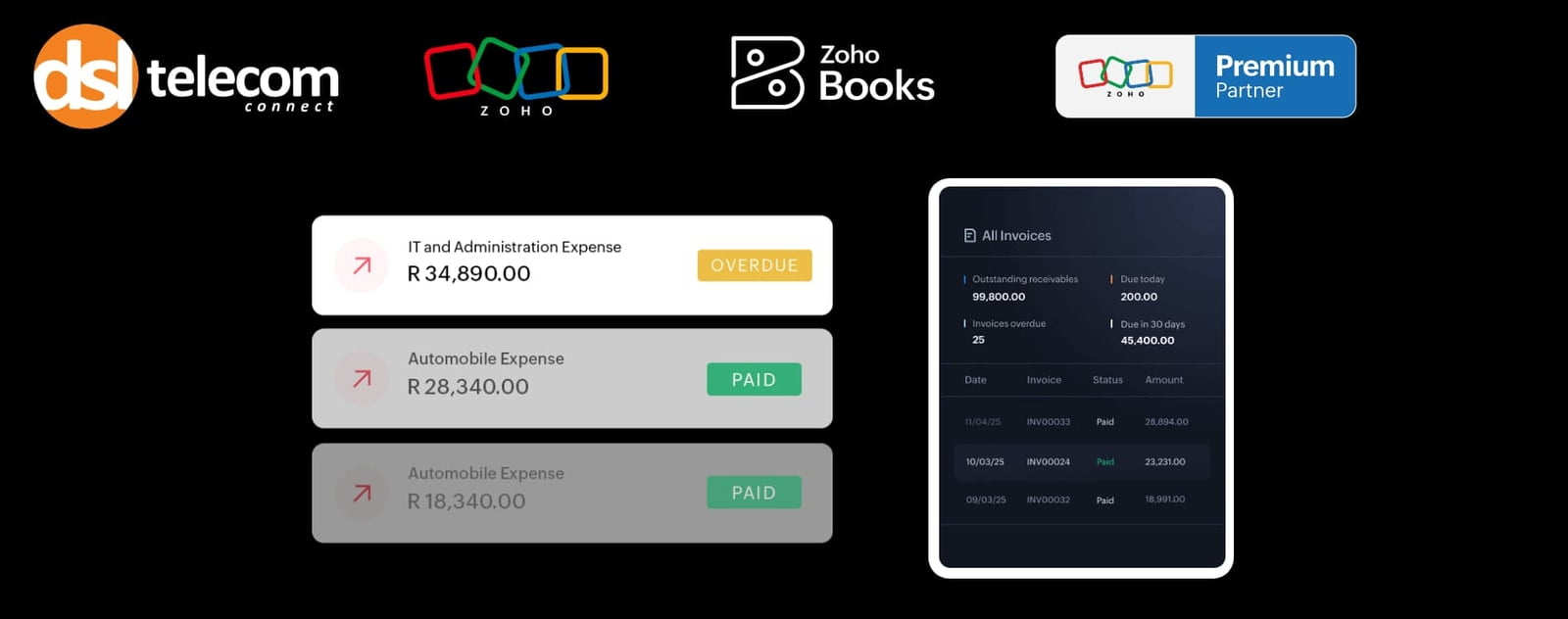
An invoice with a "Pay Now" button gets paid faster than one without. When a customer can settle an invoice with a card, an EFT, or a mobile payment in under a minute, you cut the time between "invoice sent" and "invoice paid." Every gateway you connect to Zoho Books turns your invoice from a request into a transaction.
Zoho Books natively supports global providers like PayPal and 2Checkout, which is useful if you've got customers paying from overseas. But for Rand-denominated transactions, the gateways that actually matter run as extensions through the Zoho Marketplace:

One of the longest-standing gateways in South Africa, trusted by major retailers and banks. The PayGate extension for Zoho Books lets you send invoices with an embedded payment link. Once your customer pays, the invoice status flips to "Paid" without anyone lifting a finger.

A gateway built for South African card and EFT payments, with strong adoption among SMEs. It connects to Zoho Books via its own Marketplace extension and supports the same invoice-link-to-auto-reconciliation flow, along with recurring billing and local debit card support.

Now part of the Stripe family, Paystack has a strong footprint across Africa, including South Africa, covering cards, bank transfers, and mobile money.

The newest entrant, and the broadest in terms of payment methods: cards, USSD, bank transfers, direct debit, and POS, across African markets. Worth a look if your customers pay in more ways than just card or EFT.
What happens behind the scenes
Once a gateway is connected and payment methods are enabled on your invoices:
- Your customer receives the invoice and clicks the integrated “Pay Now” link.
- They’re taken to a secure payment page hosted by the gateway, not by Zoho, and not by your business. Customer card details never touch your systems directly.
- The gateway processes the payment and sends confirmation back to Zoho Books.
- Zoho Books updates the invoice status to “Paid,” logs the transaction, and files it against the right customer ledger, ready for reconciliation against your bank feed.
That’s the whole point of a payment gateway: it does the compliance-heavy lifting (PCI DSS, card data handling, fraud checks) so your accounting platform doesn’t have to.
It also matters for POPIA: since payment gateways handle the card data and Zoho Books only stores the last four digits and expiry date, your business carries far less sensitive customer data than if you were processing payments manually.
Connecting a payment gateway is rarely as simple as the Marketplace “Install” button suggests. API credentials, card verification rules, and invoice template settings all need to be configured correctly before that “Pay Now” button actually does its job.
DSL Telecom is South Africa’s longest-standing Zoho Premium Partner, and Zoho Partner of the Year for three consecutive years. With 17 years in business, 50+ specialists, and 16 Zoho certifications across the team, including Zoho Books, we’ve set up payment gateways for South African businesses across just about every industry there is.
Our support covers every stage of getting paid through Zoho Books:
- Gateway selection based on how your customers actually want to pay
- Extension installation and API credential setup for PayGate, PayFast, Paystack, and AddPay
- Card verification and invoice template configuration, so the “Pay Now” link shows up correctly every time
- Reconciliation checks, so payments land against the right invoice, customer ledger, and, come tax season, your VAT201 Return
- Ongoing support if a gateway connection breaks, a payment fails, or your requirements change
Let’s get your Zoho Books payments working the way they’re supposed to.
Whether you’re connecting your first gateway or fixing one that never worked quite right, we’ll set it up correctly the first time. Payment gateway setup is simpler when you’ve done it before.